

How to Track Time Spent on Tasks

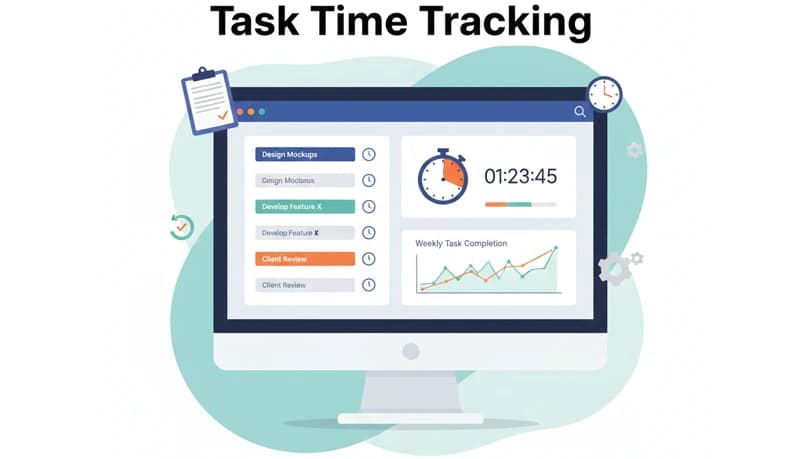
Task time tracking lets you see exactly how long your team spends on individual tasks — not just projects. This level of detail helps you identify inefficiencies, bill clients accurately, and improve your estimates for future work.
Most employee time tracking software tracks time at the project level. Task-level tracking goes deeper, connecting time entries to specific pieces of work so you can see where effort is actually going.
How task time tracking helps your business
Improve productivity
When you know how long each task takes, you can spot patterns. Are certain types of tasks consistently taking longer than expected? Is one team member spending twice as long on a task as another? Task time data gives you the visibility to identify problems and make targeted improvements.
Managers can use this data to monitor workload distribution, identify where additional training or resources are needed, and ensure tasks are completed on time.
Bill clients accurately
If you bill clients by the hour, task-level time tracking provides granular billing data. Instead of estimating how much time went into a project, you have precise records for each task. This builds client trust and reduces billing disputes.
Improve estimates
Comparing estimated time against actual time for completed tasks is one of the most valuable uses of task time data. Over time, your estimates get more accurate because they're based on real performance data rather than guesses.
Identify time-wasting activities
Task tracking reveals which activities consume the most time relative to their value. If your team is spending significant hours on low-value tasks, you can eliminate, automate, or delegate them. This lets everyone focus on the work that matters most.
Practical use cases
Track time spent on meetings
Meetings are necessary but can be a significant time drain. By tracking meeting time as a task, you can analyze how much time your team spends in meetings versus doing focused work.
This data helps you identify opportunities to reduce meeting length, eliminate unnecessary attendees, or replace recurring meetings with asynchronous updates.
Track time spent on communication
Email, messaging, and other communication tasks are essential but can quietly consume large portions of the workday. Tracking this time helps you understand how much of your team's day goes to correspondence versus core work — and whether adjustments are needed.
Analyze historical productivity
Examining past task time data reveals trends and patterns that help you plan future work. You can identify recurring bottlenecks, understand seasonal workload variations, and forecast project timelines more accurately.
By understanding how long specific types of tasks take and how much effort they require, you can set realistic deadlines and allocate resources more effectively.
Getting started with task time tracking
Setting up task-level time tracking is straightforward:
- Create tasks within your projects — Break projects down into specific, measurable tasks and assign them to team members.
- Have employees select their task when starting the timer — When team members begin work, they choose the specific task they're working on before starting the timer.
- Mark tasks complete when done — When a task is finished, the employee marks it complete. If they need to stop before finishing, they stop the timer without marking it complete and can resume later.
- Review the data — Compare actual time against estimates, look for patterns across similar tasks, and use the insights to improve your processes.
The key is to make task tracking a habit. If it's too complicated or time-consuming, people won't do it consistently. Keep tasks clearly defined and the tracking process simple — select a task, start the timer, and get to work.
Making task time data actionable
Collecting task time data is only useful if you act on it. Build a regular cadence of reviewing the data:
- Weekly — Check whether current tasks are on track against estimates. Identify any that are running over and investigate why.
- Monthly — Review aggregate data to spot trends in productivity, workload distribution, and time allocation across task types.
- Per project — After completing a project, compare estimated versus actual time for each task. Use the insights to improve estimates for the next similar project.
Over time, this feedback loop makes your team more efficient, your estimates more accurate, and your projects more predictable.
